RR Launcher is the home screen that comes with Resurrected Remix. It's built on Android's own launcher, so it's fast and familiar, with the extras people missed from OnePlus and the custom ROM days.
Big folders
Grow any folder to 2 by 2 right on the home screen, OnePlus style. The folder's card covers the rows it takes, with round corners and page dots in place of the name, and its apps are ready to tap without opening it. Swipe through its pages or tap the dots. Enlarge or shrink a folder from its long-press menu, or start every new folder big. Each app keeps its notification dot, and folders can have a cover from any picture.
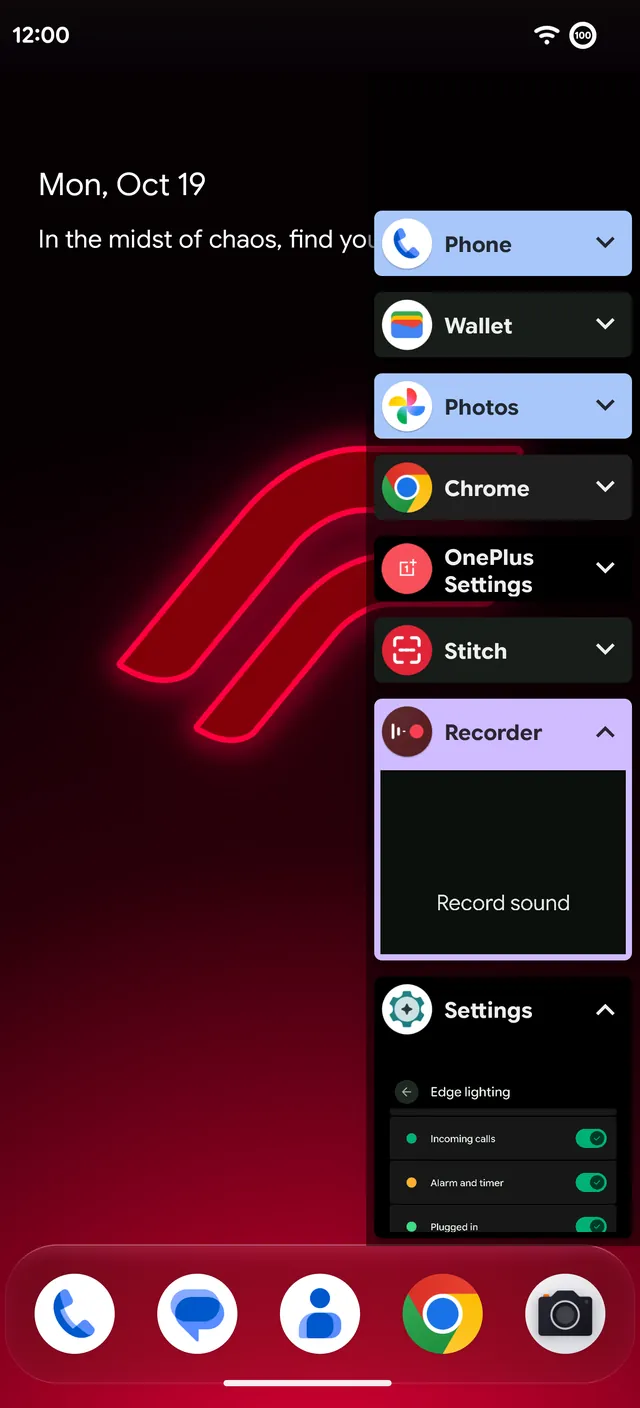
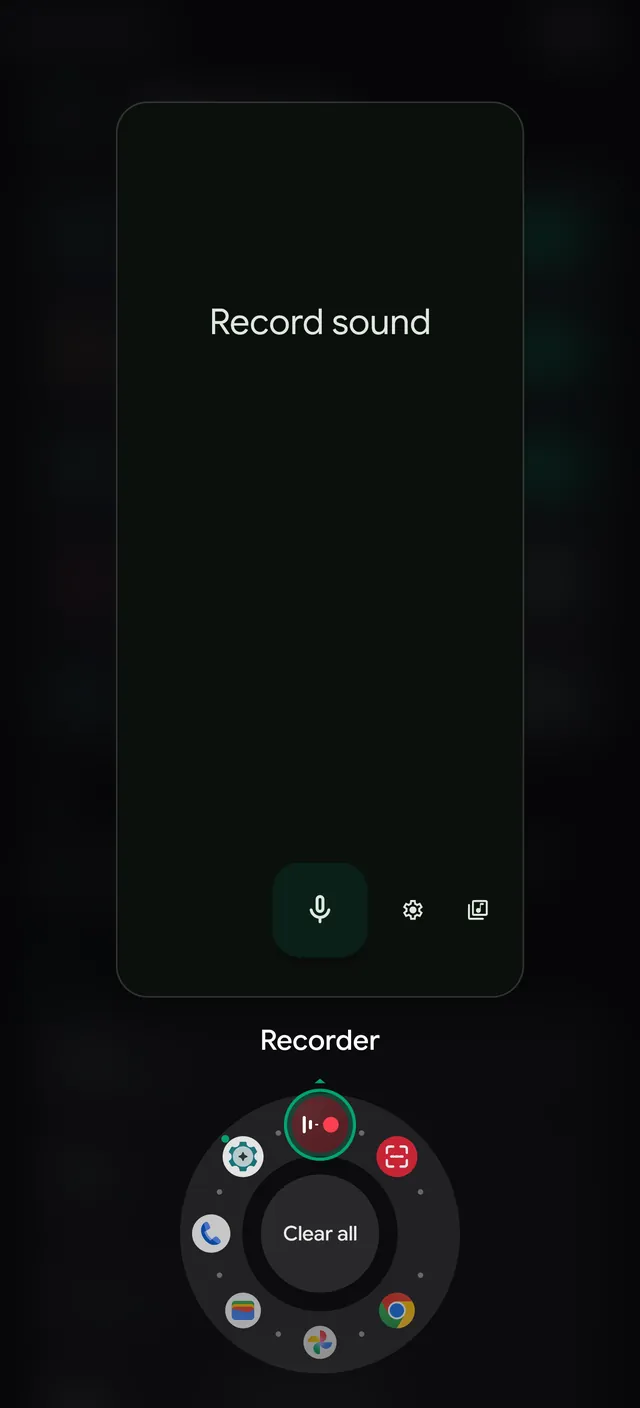
Six recents styles
Overview, Slim, Spin, Stack, iOS and OxygenOS. The front card can carry an accent edge, and a slider sets the corner radius.
- Lock. Pull a recent app down to lock it, and Clear all leaves it alone.
- Float. Swipe a recent app up to open it in a floating window or split screen.
- Share. Glass Overview buttons, with Share.
Icons your way
- Give any app an icon from any icon pack (RR's Neon is a pack too), rename it, or resize just that icon.
- Themed icons for about 5,800 more apps from Lawnicons, with size and color presets.
- Notification dots can show counts.
Grids, drawer and widgets
- More grids: 4×4, 4×6 and 6×7.
- App drawer folders by app type, your own colors for light and dark, and a bouncy overscroll.
- Blurred long-press menus, and page dots that can hide themselves.
- Restyle the dock search bar: corners, outline and transparency.
- RR widgets in neon: a battery ring, photo, Wi-Fi, mobile data and Bluetooth.
- At a Glance on the home screen, with the Flatline styles and live sports scores.
Quick switch
Prefer Pixel Launcher? Remixer › Miscellaneous › Quick switch makes either one your home screen, and recents follows the launcher you pick. App suggestions work in both.