Your lock screen is the part of the phone you see most, so Resurrected Remix gives it the most choice. Everything here is in Remixer › Lock screen.
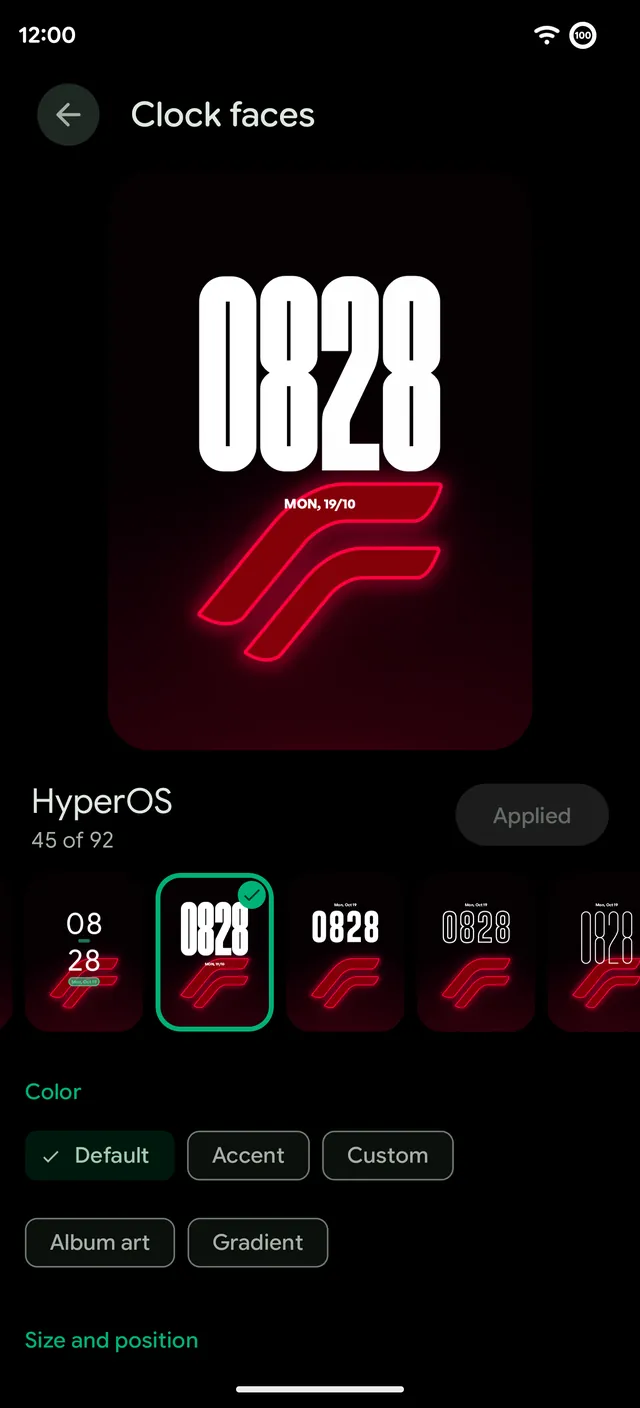
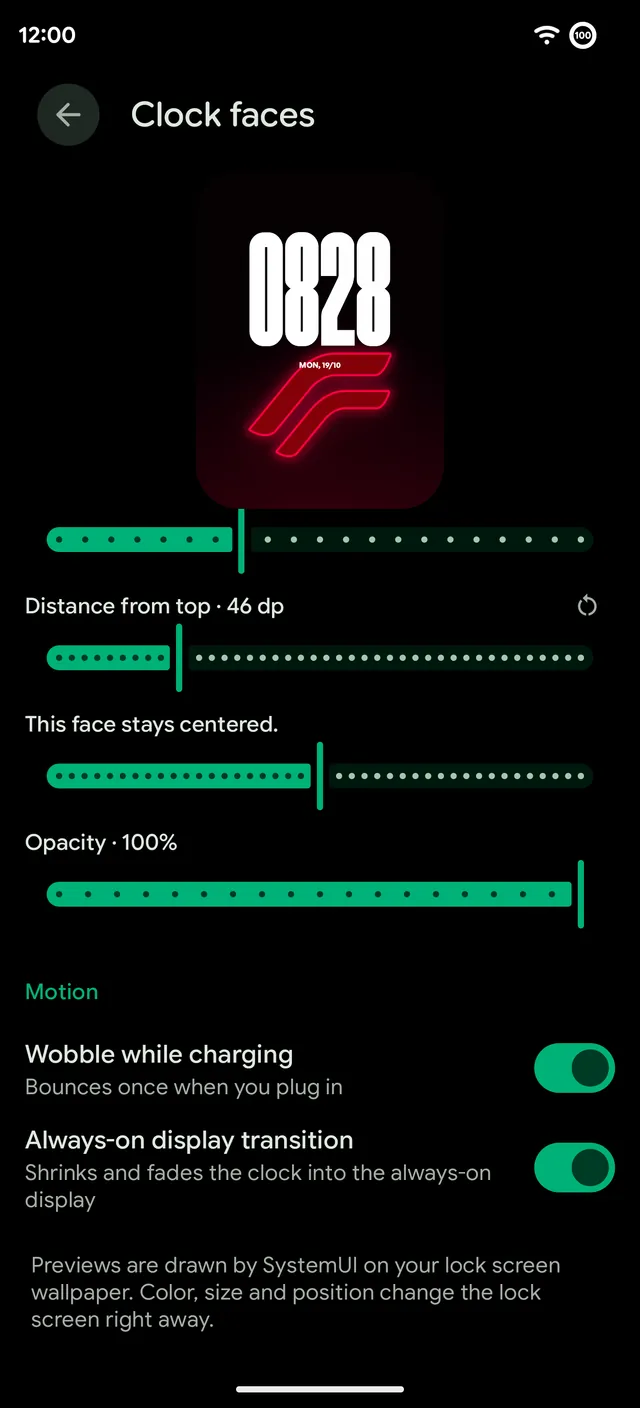
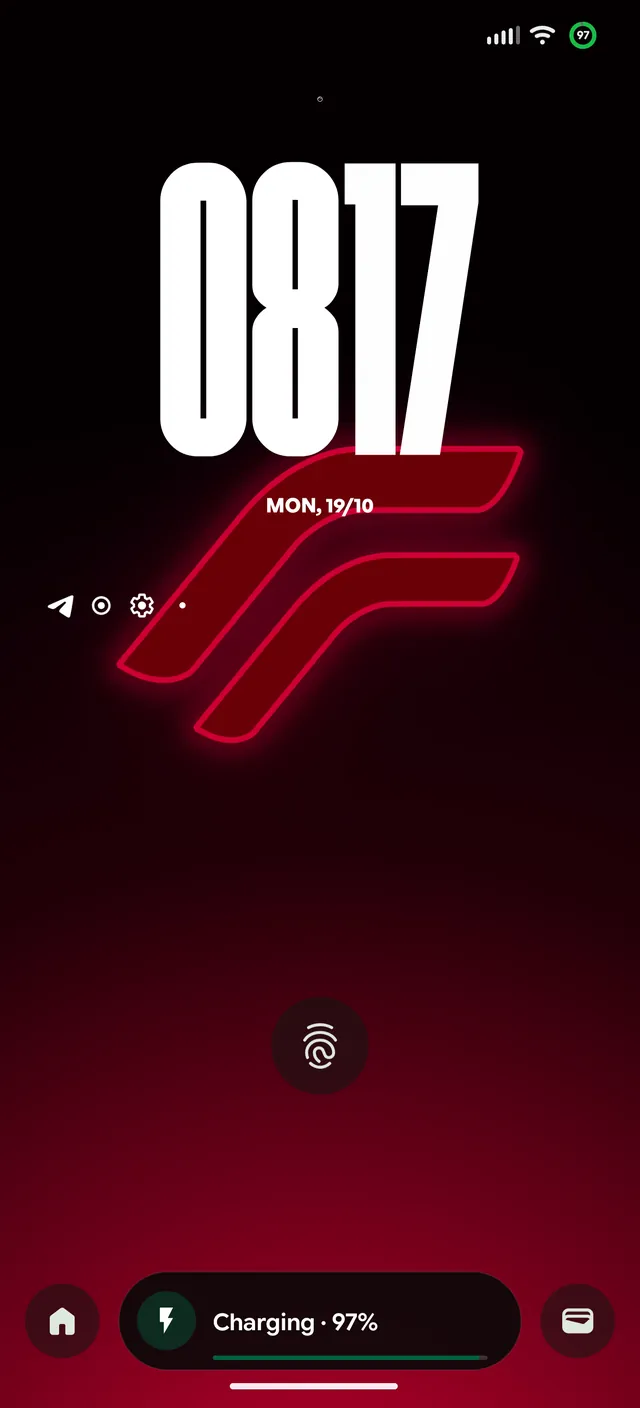
96 clock faces
Pick a face on a live preview drawn by System UI on your own wallpaper, then move it down from the top, resize it and fade it. Every face can show the weather. Two motion options add a wobble when you plug in and a transition that shrinks the clock into the always-on display.
New faces keep coming. Glass is made of glass that bends the wallpaper (see Liquid Glass).
Flatline
Flatline is a set of clock faces that react to your phone, like a bedside monitor. They stay flat when nothing is going on and beat while your music plays, on an incoming call and when a notification arrives.
- Monitor. A big thin time, the line across the screen and a readout under it with the city and the weather.
- Vitals. A frosted monitor card with your battery and next alarm.
- Signature. The time on the left, with the line running off the edge of the screen.
The status bar clock chip can carry the same heartbeat. On the always-on display Flatline keeps one still beat and redraws once a minute.
At a Glance
At a Glance is the date and weather line under the clock and on the home screen. RR ships the newest Pixel version, with arrow page dots, and adds its own styles: Orbit, Neon sign, Glass and the Flatline trio, which keeps moving at rest if you like. Tap the weather to open Google's weather. Live sports scores from Google show here too, on the lock screen and the home screen.
Nightstand
Nightstand turns your charger into a bedside clock. While the phone charges at night it shows a big dim clock, your alarm and your charge, and moves slightly to protect the screen. It can start on any charger after a set time, on a schedule or with your Sleep mode, and ends when you unplug, the alarm goes off or the time window closes. Pick any clock face for the night and cap the brightness.
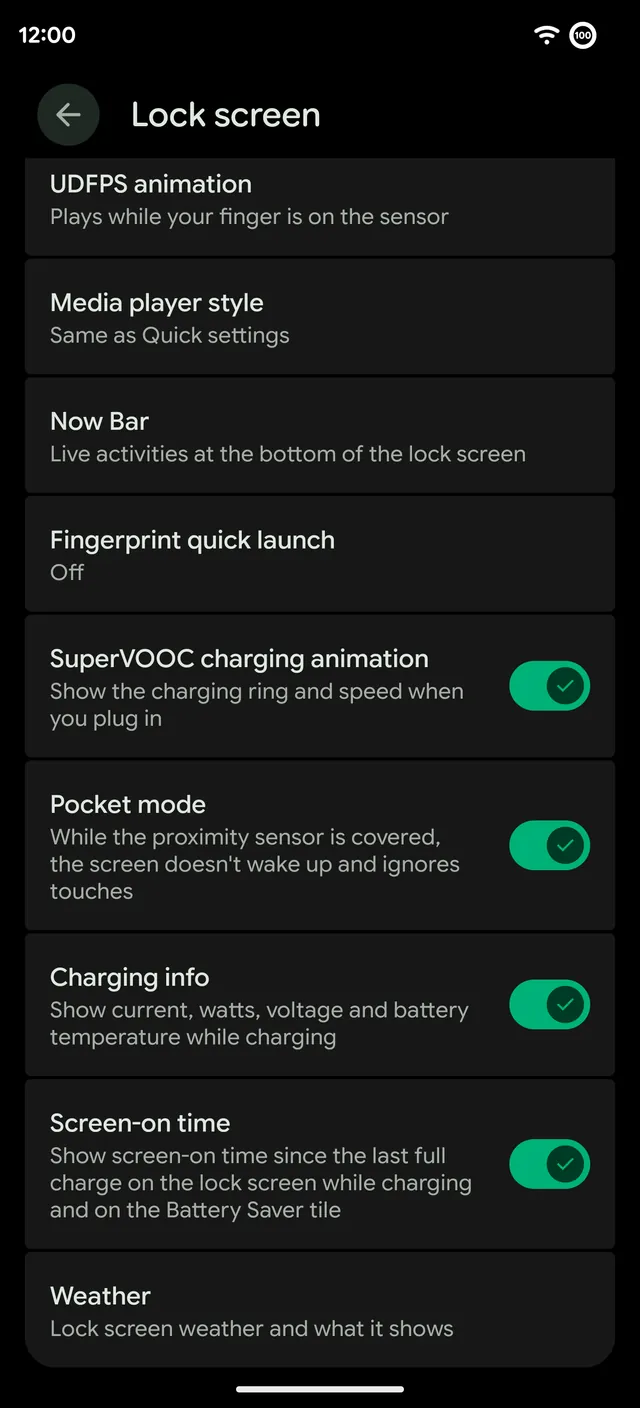
Everything else on the page
- Fingerprint icon and animation. Pick the icon and the animation that plays while your finger is on the sensor.
- Media player style. The lock screen player can match Quick Settings.
- Now Bar. Live activity at the bottom of the lock screen. See Now Bar.
- Fingerprint quick launch. Open an app straight from the fingerprint unlock.
- Charging. Animations when you plug in, effects while you charge and charging info with current, watts, voltage and battery temperature. See Charging animations.
- Pocket mode. While the proximity sensor is covered, the screen doesn't wake up and ignores touches.
- Screen-on time. Since the last full charge, on the lock screen while charging and on the Battery Saver tile.
- Weather. What the lock screen weather shows.