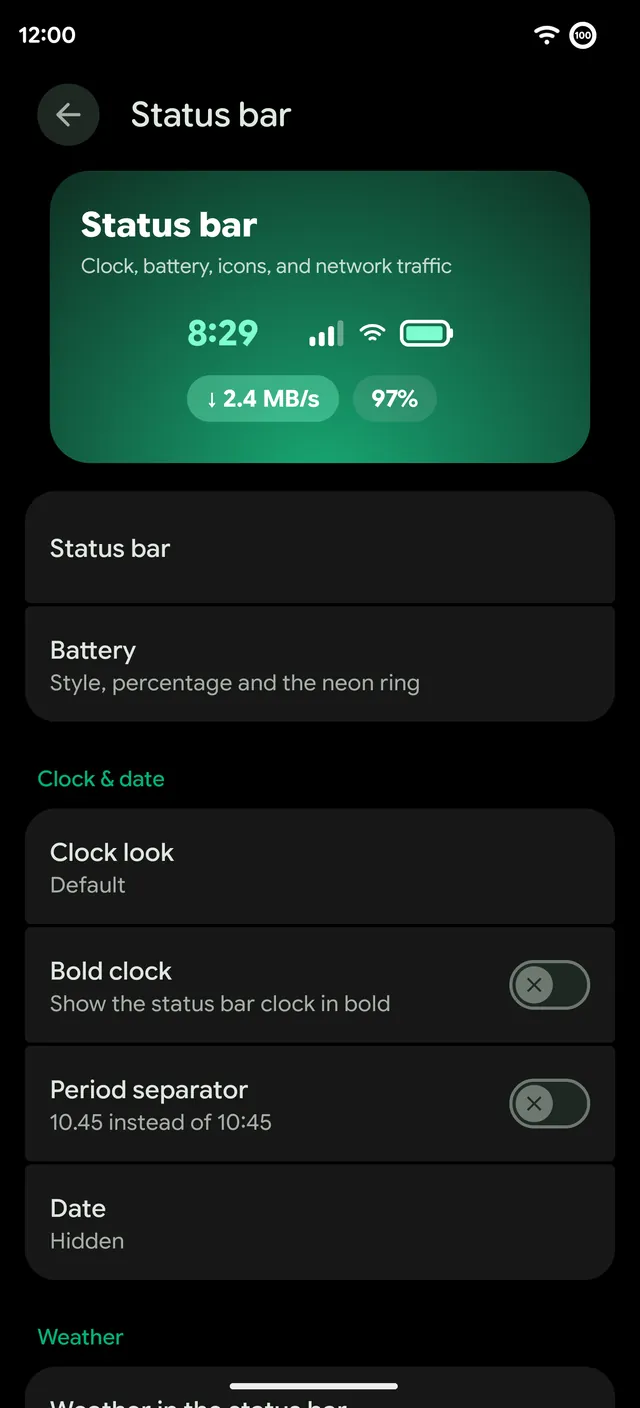
The status bar is always on screen, so small changes there change how the whole phone feels. Remixer › Status bar covers the clock, the battery, the signal and Wi-Fi icons and network traffic, with a live preview of the bar at the top.
Signal and Wi-Fi icons
There are 28 icon styles. RR drew 13 of them for Android 17, marked RR below; the rest come from community icon packs by rdx420, Advaith Bhat and DrDisagree, with work from elpaablo, Arman-ATI and Pranav Vashi, restyled for the Android 17 status bar. Each tile shows the full-strength signal and Wi-Fi icons, drawn from the same files the phone uses.
- Aurora
- BentoRR
- BlueprintRR
- Circle
- Classic
- CometRR
- CrystalRR
- DuoRR
- GlassRR
- Hollow
- Landscape
- LineDot
- Linear
- NeonRR
- Odin
- OrbitRR
- Plumpy
- PulseRR
- RemixRR
- RetroRR
- Roman
- Round
- Sea
- ShapesRR
- Sleek
- SoftRR
- Stroke
- Wavy
Pick them on a deck
Signal and Wi-Fi each get a deck on a live stage. Keep them as a matched pair, or mix a signal style with a different Wi-Fi style. Step the strength up and down and show the no-internet mark to see every state before you choose, or tap Remix it for a random pick. Applying restarts the status bar to load the new icons, and Remixer asks first. With two SIMs active, Android draws its own stacked signal icon.
The signal icon has five bars, and 5G standalone no longer drops to one bar where coverage is good. The status bar shows 5G UC on T-Mobile and 5G UW on Verizon and Spectrum.
Network traffic
Network traffic shows your upload and download speed next to the clock, in eight styles with eight arrow sets and a size slider. It can take your accent color or color itself by speed, hide below a speed you set, show on mobile data only and appear in the expanded shade too.
Clock and battery
- Clock styles. Default, Neon, Split, RR mark, Mono, Pulse, Stacked, Ember and Glitch, plus a bold clock, a period separator and the date.
- Flatline chip. The clock chip can carry Flatline's heartbeat.
- Battery. The style, the percentage and the neon ring.
- Weather. The temperature and condition in the status bar.