Remixer › Navigation collects the ways you move around the phone: a pie of shortcuts at the screen's edge, a three-finger swipe, the navigation bar and Pulse, which turns your music into bars along the bottom of the screen.
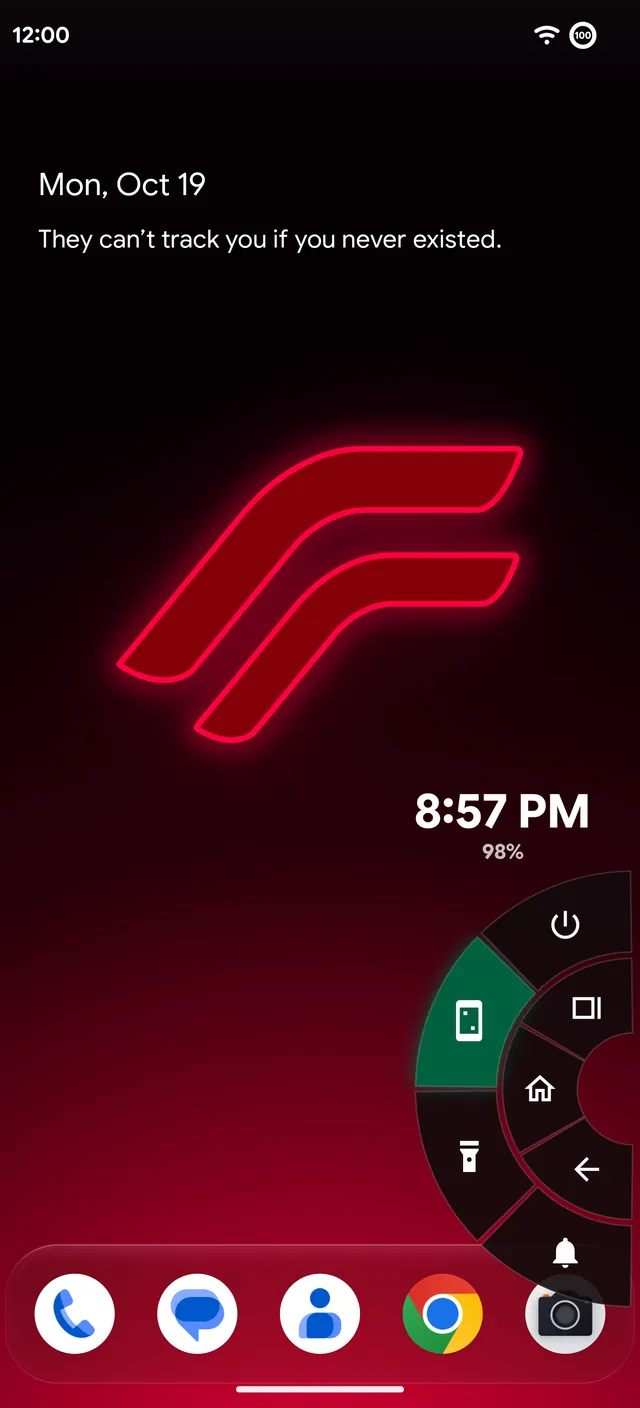
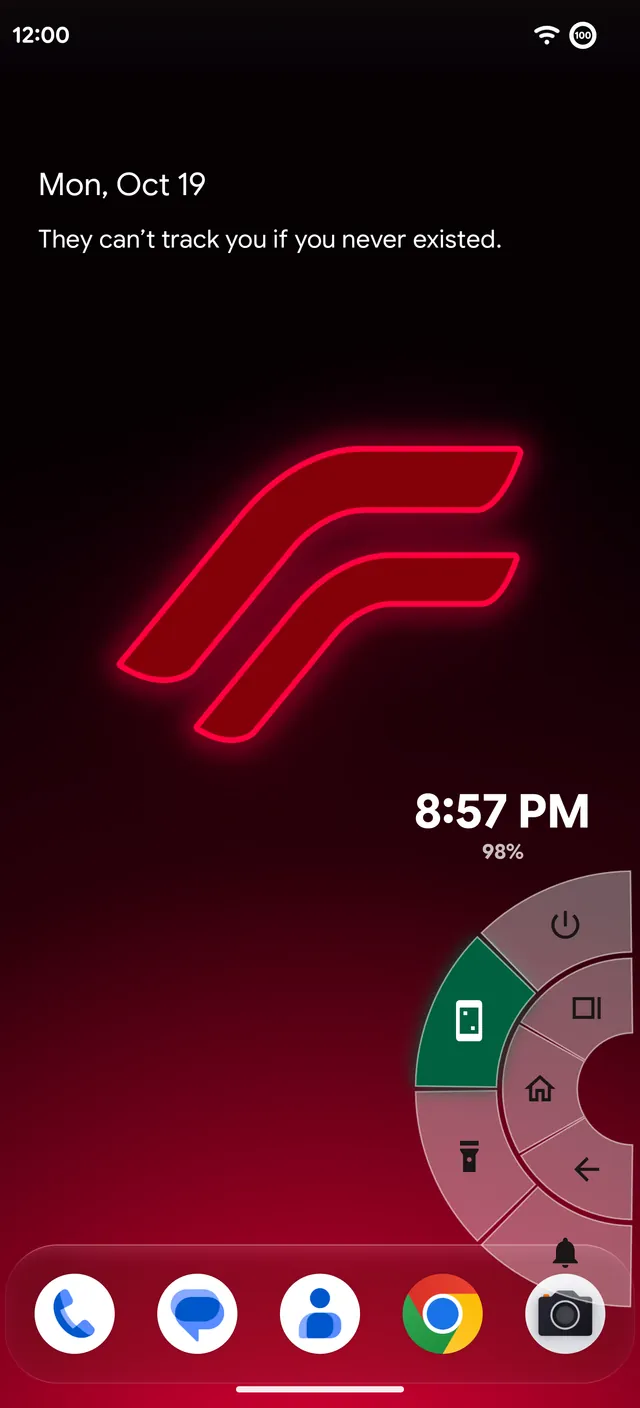
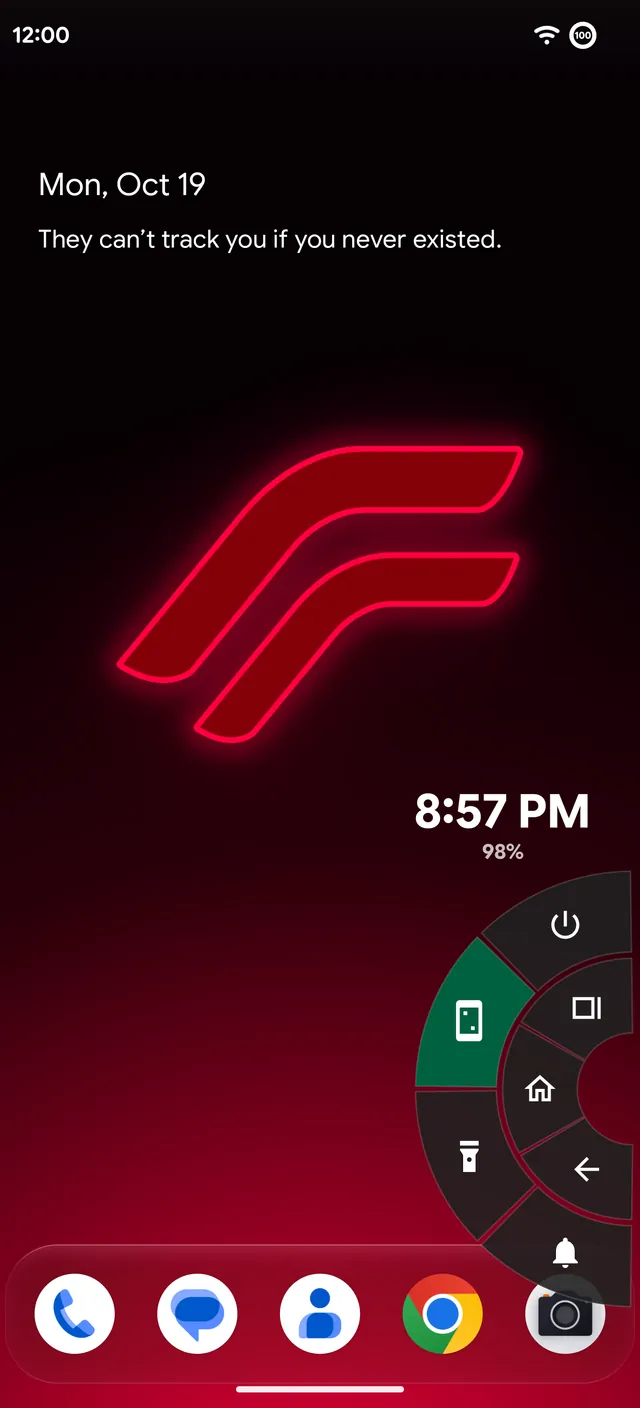
Pie controls
Pie is a classic custom ROM feature. Hold the lower part of the screen's edge and a pie of shortcuts opens under your thumb; slide to one and let go.
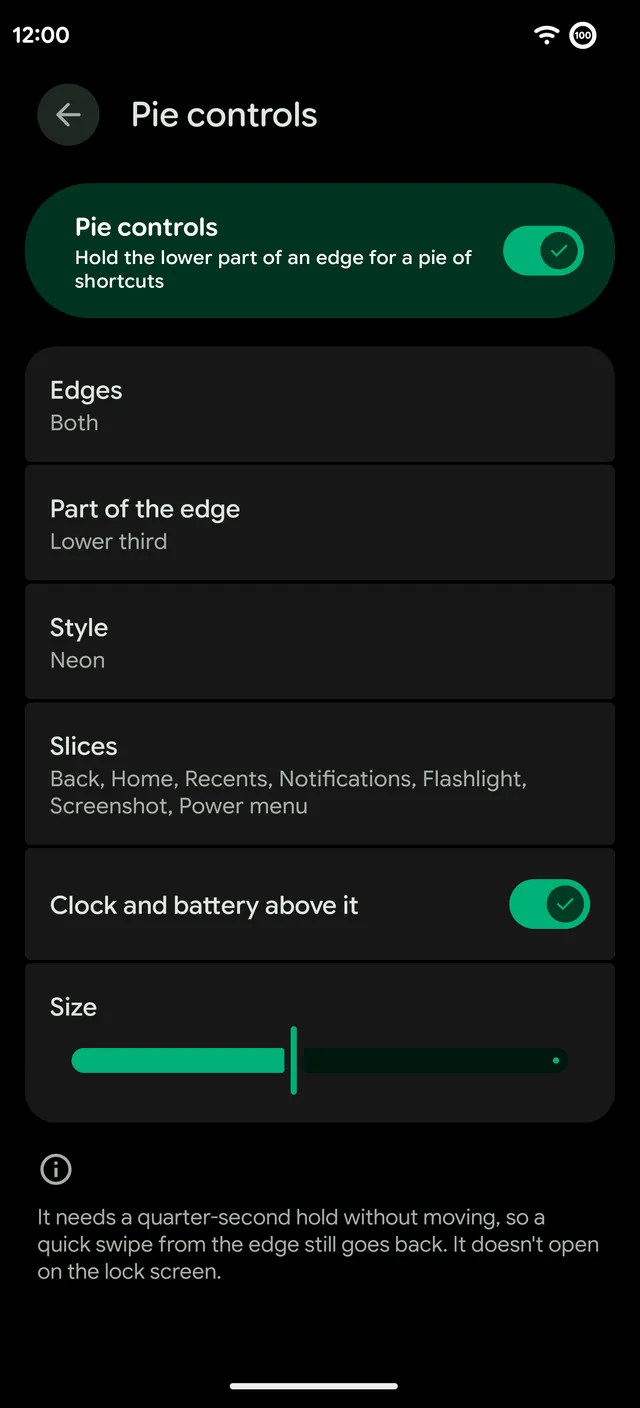
- Styles. Neon, Glass or Classic.
- Slices. Any of Back, Home, Recents, Notifications, Flashlight, Screenshot, Power menu, Assistant and Camera.
- Where. The left edge, the right edge or both, and which part of the edge, like the lower third.
- Extras. The clock and battery above the pie, and its size.
The pie needs a quarter-second hold without moving, so a quick swipe from the edge still goes back. It doesn't open on the lock screen.
Three-finger swipe
Swipe down with three fingers to take a screenshot, or pick another action, like opening the camera or split screen. It comes from Evolution X.
Pulse
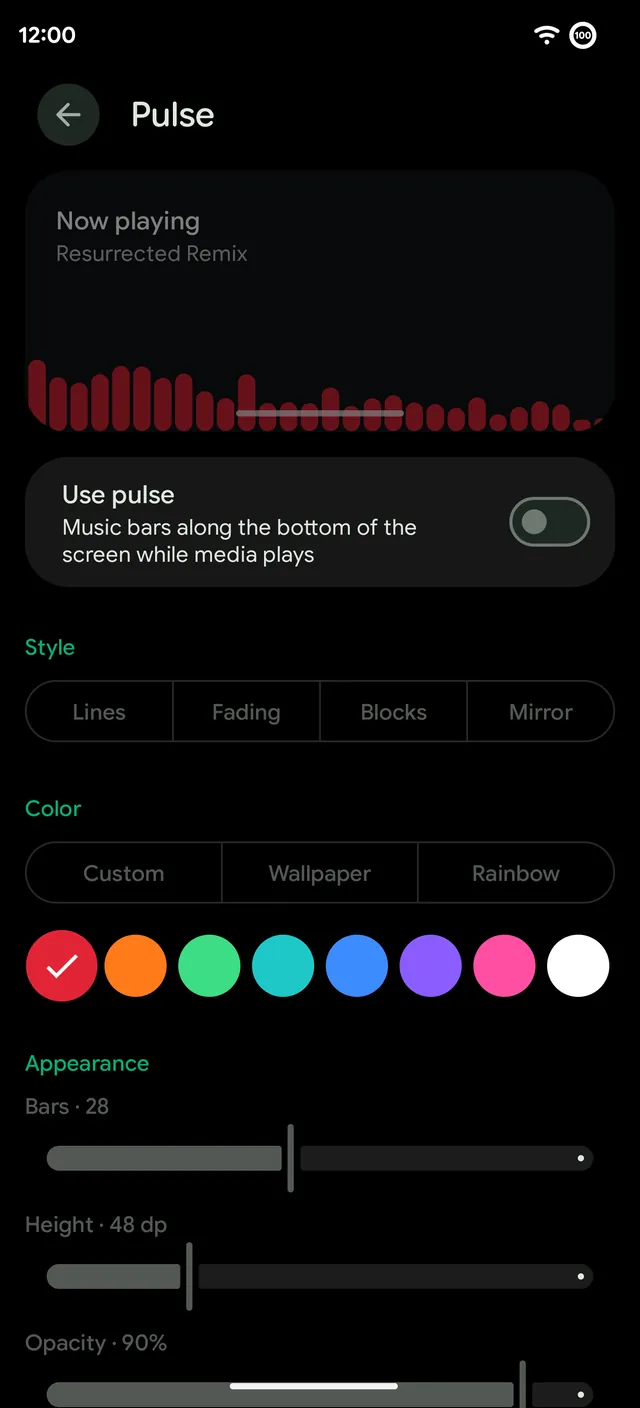
Pulse draws music bars along the bottom of the screen while media plays.
- Styles. Lines, Fading, Blocks and Mirror.
- Color. A custom color, the wallpaper's colors or a rainbow.
- Shape. How many bars, how tall and how see-through.
More shortcuts
- Fingerprint quick launch. Open an app straight from the fingerprint unlock (Remixer › Lock screen).
- Plus Key. On the OnePlus 15, set the key's press, double press and hold to sound mode, the flashlight, the camera, a screenshot, the QR scanner, Circle to Search and more.